
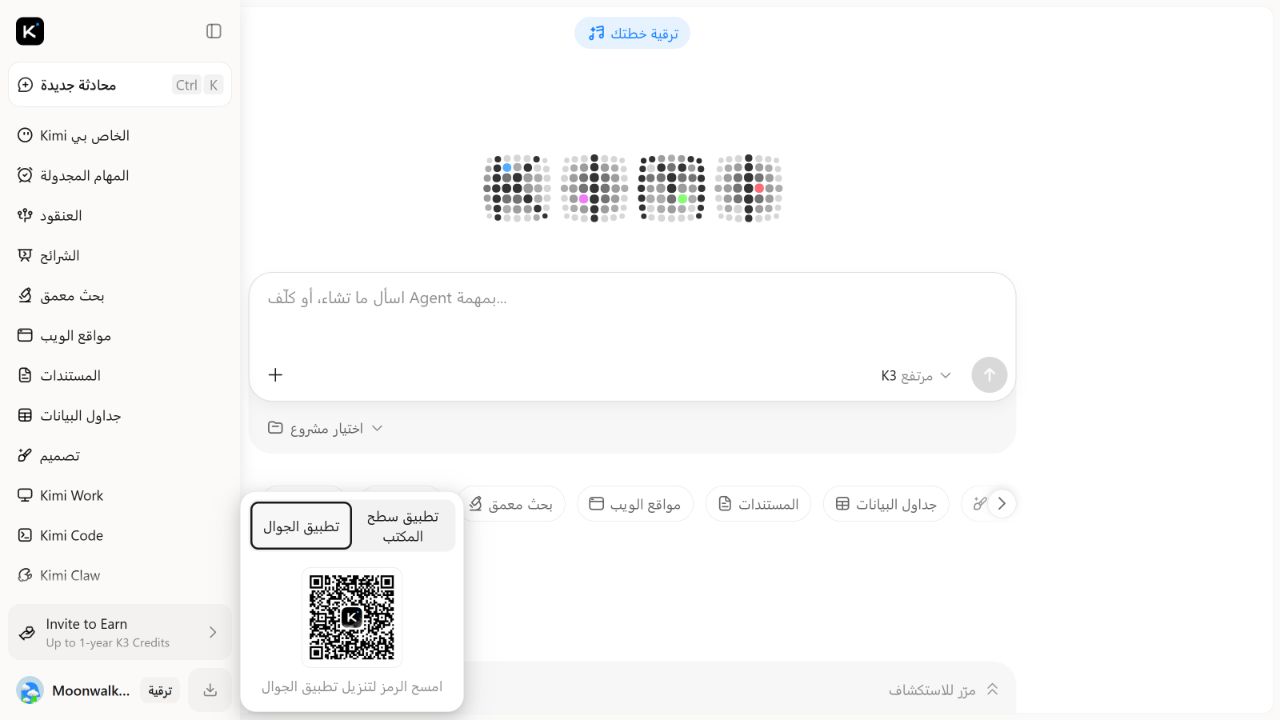
The official Kimi consumer product is available on the web and as a mobile app for iOS, Android and HarmonyOS. The safest no-install route is Kimi.com. If you want the mobile app, start from Kimi’s official site or use the verified Apple and Google listing identities below rather than an APK mirror, advertisement or similarly named app.
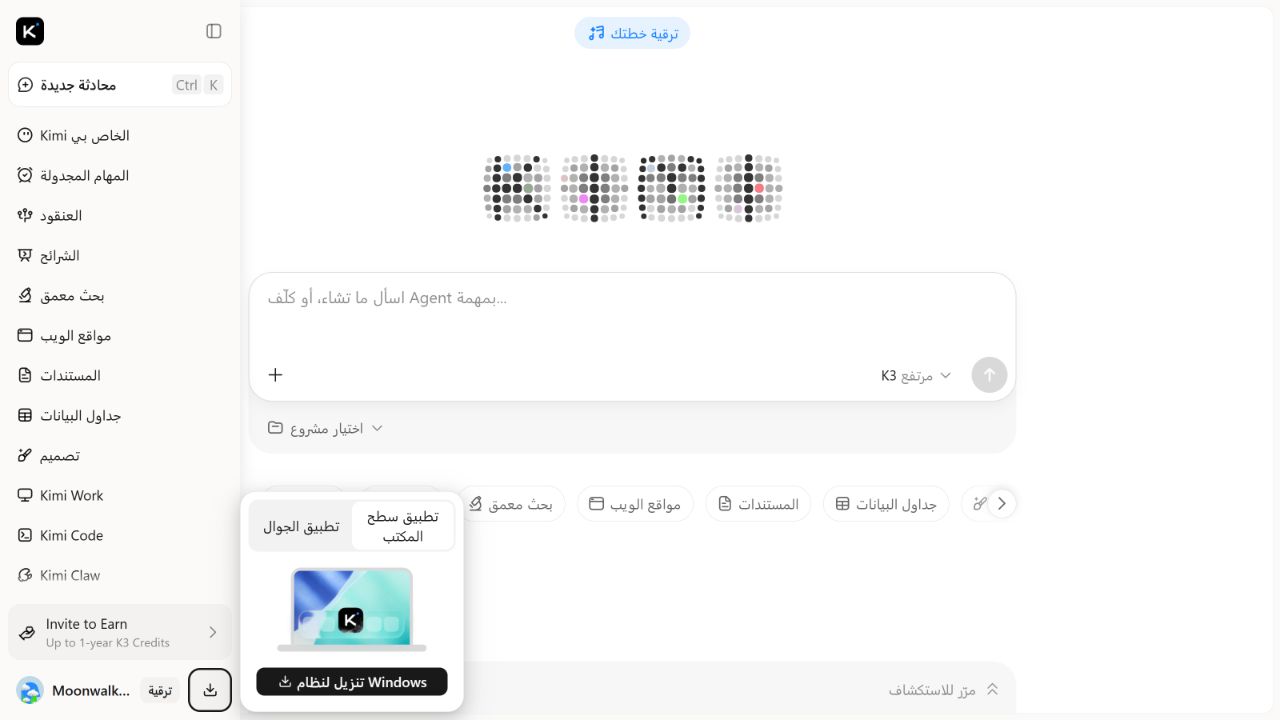
Kimi App is not the same product as Kimi Work. The mobile app and web experience combine everyday Chat and hosted Agent features. Kimi Work is a separate Windows and macOS desktop client that can work with authorized local folders and computer tools.
OFFICIAL DOCUMENTATION AND STORE LISTINGS CHECKED / MOBILE APPS NOT INSTALLED. On August 5, 2026, we checked Kimi’s current Help Center, its web entry point, the US Apple App Store listing and the US Google Play listing. We did not install an app, inspect a mobile binary, test permissions, sign in on a phone or verify a HarmonyOS store package.
Kimi AI Guide is independent and is not affiliated with, endorsed by or sponsored by Moonshot AI.
Official Kimi access matrix
| Platform | Official route or stable listing identity | Publisher evidence checked | Version or update evidence checked | Important limit |
|---|---|---|---|---|
| Web | https://www.kimi.com/ | Kimi’s Help Center and Terms identify the service as a Moonshot AI product | No public app version applies; it is a hosted web service | Features can change without a device-store update |
| iPhone / iPad | Apple App Store, ID 6474233312 | Store developer: Moonshot AI; seller: Beijing Moonshot Technology Co., Ltd | US listing showed version 3.0.3 when checked; iOS/iPadOS 15.0 or later was listed | App title, date, availability and version can vary by storefront and rollout |
| Android | Google Play, package com.moonshot.kimichat | Store publisher: Moonshot AI; developer details identify the Beijing Moonshot entity | Listing showed Updated on July 30, 2026; the public page did not expose a version number in our check | Do not infer an Android version number from the iOS version |
| HarmonyOS | Kimi’s official overview explicitly lists a Kimi app for HarmonyOS | Documentation-level confirmation only | No public English store listing or current HarmonyOS version was independently resolved in this desktop audit | Open the official Kimi download flow on the device and verify the displayed developer before installing |
The matrix records what was actually visible on the checked sources. A blank or unavailable version is not an invitation to copy a number from another platform.
The quickest safe option: use Kimi on the web
Kimi’s official overview says the browser version requires no download. Type https://www.kimi.com/ directly or follow the official link from our Kimi login and access guide.
The web version is the lower-friction choice when you:
- are using a shared or temporary computer and should not install software;
- want to check the product before granting mobile permissions;
- need ordinary Chat, search or hosted Agent features; or
- cannot confirm that a store listing is available in your region.
A browser route is not automatically private or risk-free. Review the current Terms and privacy notice, avoid uploading secrets, and sign out on a device you do not control.
How we verified the iPhone and iPad listing
The stable Apple listing identifier is 6474233312. Store marketing titles can change—for example, the checked US page appended a current K3 launch phrase—but the numeric ID remains the more useful identity check.
On August 5, 2026, the US App Store page showed:
| Field | Observed listing value |
|---|---|
| App name | Kimi, with a current K3 promotional subtitle in the US storefront |
| Developer | Moonshot AI |
| Seller | Beijing Moonshot Technology Co., Ltd |
| Store ID | 6474233312 |
| Current displayed version | 3.0.3 |
| Compatibility | iOS 15.0 or later; iPadOS 15.0 or later |
| Category | Productivity |
| Purchase model | Free listing with in-app purchases |
These are storefront observations, not an app-security certification. Apple also states that the privacy practices on the listing were supplied by the developer and not verified by Apple. Read the full current listing on your regional storefront before installing.
The store may show a localized app name, seller language, age rating, price or version date. Confirm the numeric App Store ID and developer or seller identity rather than matching only the icon.
How we verified the Android listing
The stable Google Play package identifier is com.moonshot.kimichat. On August 5, 2026, the US English listing showed:
| Field | Observed listing value |
|---|---|
| App name | Kimi |
| Publisher | Moonshot AI |
| Package ID | com.moonshot.kimichat |
| Update date | July 30, 2026 |
| Supported device classes shown | Phone, tablet and Chromebook |
| Purchase model | In-app purchases shown |
The public Google Play page did not expose a reliable Android version number in our audit, so this guide does not invent one. The update date is not a substitute for the installed version: staged rollout, device compatibility and region can affect what a user receives.
Google describes its Data safety section as information provided by the developer that may change with use, region and age. Review the permissions requested by the specific build during installation and deny access that the intended task does not need.
What we could and could not verify for HarmonyOS
Two current Kimi Help Center pages say the official mobile app is available for HarmonyOS and that the app name is Kimi. That establishes first-party product availability at the documentation level.
We did not resolve a stable, public English AppGallery listing with a package identifier, publisher field and version number from this desktop audit. We therefore do not publish a guessed store URL, package name or version.
For a HarmonyOS device:
- Begin at
https://www.kimi.com/and use its current Get App flow, or search the device’s official app marketplace. - Confirm the app name and displayed developer identity against Kimi’s official route.
- Check the requested permissions and version on the device before installation.
- Stop if the result points to a third-party APK site, an unrelated developer or a package that cannot be traced back to Kimi’s official flow.
This is a documented-access route, not a completed HarmonyOS installation test.
Kimi App versus Kimi Work desktop
Kimi’s official product comparison separates the products by surface and permission boundary:
| Product | Where it runs | Best fit | File and device boundary |
|---|---|---|---|
| Kimi web | Browser at Kimi.com | Chat, search, writing and hosted Agent tasks without installing an app | Sees prompts, uploaded content and authorized hosted-task inputs; not broad local-folder access |
| Kimi mobile App | iOS, Android or HarmonyOS | Portable Chat and Agent use, camera or mobile-file input and cross-device access | Uses mobile permissions granted by the user |
| Kimi Work | Separate Windows or macOS desktop client | Local knowledge work, desktop automation and long-running workflows | Can be authorized to work with local folders and computer tools; requires a stricter permission review |
| Kimi Code | Terminal and supported editor workflows | Repository and coding work | Can inspect and change an authorized code workspace and run commands |
| Kimi Claw | Managed cloud automation | Persistent, always-on automation and connected channels | Has its own workspace, integrations, credentials and permission model |
Do not search for a generic “Kimi desktop app” and install the first result. If your objective is ordinary conversation on a computer, use the official web app. If the task needs direct local-folder work, use the official Kimi Work product page and read our Kimi Work permissions guide first.
A six-point download safety check
1. Start from an official route
Use kimi.com, Apple App Store or Google Play. Avoid sponsored search results whose display text imitates the official domain.
2. Match a stable identifier
- Apple: App Store ID
6474233312. - Android: package
com.moonshot.kimichat. - HarmonyOS: no stable public package identifier was verified in this audit; use the official Kimi download flow and device-store identity.
An icon and name can be copied. A store identifier plus publisher evidence provides a stronger check.
3. Check the publisher, not only the title
The checked Apple page labels the developer Moonshot AI and the seller Beijing Moonshot Technology Co., Ltd. The checked Google Play page labels the publisher Moonshot AI and exposes the Beijing Moonshot developer entity in its developer details.
Stop if the listing uses an unrelated publisher or redirects to an APK repository.
4. Review version and update evidence
Version numbers and dates are platform-specific. Our August 5, 2026 publication check recorded iOS version 3.0.3; Google Play showed a July 30, 2026 update date but no public version number. Verify the current listing on the device immediately before installation.
Do not confuse an app version such as 3.0.3 with a Kimi model name such as K3 or K2.6.
5. Inspect permissions at install and first use
Grant camera, microphone, photos or files only when the intended workflow needs them. A store listing can identify the publisher, but it cannot decide which permissions are appropriate for your task.
If you only need text chat, begin without optional media permissions. You can enable a permission later when a specific feature requires it.
6. Keep the app updated through the same store
Use the original store’s update mechanism. Do not replace a store-installed app with a file from a mirror merely because it claims to be newer.
For a managed device, follow the organization’s approved software catalog and mobile-device policy rather than this general consumer workflow.
What “safety checked” means on this page
Our check established that:
- Kimi’s current Help Center documents web, iOS, Android and HarmonyOS access;
- the Apple listing resolved to store ID
6474233312and showed Moonshot identity fields; - the Google Play listing resolved to package
com.moonshot.kimichatand showed Moonshot identity fields; and - Kimi’s own product comparison distinguishes the consumer App from Kimi Work desktop.
It did not establish that:
- every current or future build is free of vulnerabilities;
- a store privacy disclosure has been independently audited;
- all regions receive the same build or features;
- the HarmonyOS store artifact has been independently verified; or
- any requested permission is necessary for your use case.
“Official listing verified” is a narrower claim than “app proven safe.”
Choosing the right route
| Your goal | Recommended starting route |
|---|---|
| Try Kimi with no installation | Kimi.com in a supported browser |
| Use Kimi while travelling or from a phone camera | Official iOS, Android or HarmonyOS Kimi App |
| Work directly with a disposable or authorized local desktop folder | Kimi Work after reviewing Request permission mode |
| Maintain a software repository | Kimi Code |
| Integrate Kimi into your own application | Kimi API guide and the developer platform, not a consumer app download |
Membership and credits can apply across Kimi product surfaces, but plan details change. Review the Kimi membership guide rather than treating “free store listing” as unlimited service access.
Before signing in or uploading a file
- Confirm the domain, store ID or package identity.
- Use a unique password and protect the linked sign-in account.
- Review current Terms, privacy information and account controls.
- Remove secrets and unnecessary personal data from files and images.
- Do not grant broad photo or file access when a selected-item permission is sufficient.
- Understand that deleting an app is not the same as deleting a Kimi account or remote conversation data.
- Use the official login and account guide for account-access problems rather than downloading another app.
Related Kimi guides
- Browse all Kimi AI guides
- How to use Kimi AI Chat
- Kimi login, official access and account help
- Kimi Work desktop permissions and safe-folder test
Methodology and limitations
On August 5, 2026, the KI AI Team checked the English Kimi overview, product comparison and official web entry point. We then resolved Apple’s US listing for store ID 6474233312 and Google Play’s US English listing for package com.moonshot.kimichat, recording the identity and version or update fields visible on those pages.
No mobile app was downloaded or installed. We did not capture a binary hash, inspect a signing certificate, monitor network traffic, test cross-device sync, review runtime permission prompts, sign in on a mobile device or inspect a HarmonyOS package. Store fields can change by region and rollout, and the linked pages must be rechecked immediately before publication.
Read How We Test Kimi AI for our evidence rules and Sources and Corrections to report a mismatched listing or outdated field.
Frequently asked questions
What is the official Kimi website?
The official consumer web entry point is https://www.kimi.com/. It works in the browser without an app download.
What is the official Kimi app on iPhone?
Use Apple App Store ID 6474233312. The checked US listing identified the developer as Moonshot AI and the seller as Beijing Moonshot Technology Co., Ltd.
What is the official Kimi Android package?
The checked Google Play listing uses package com.moonshot.kimichat and publisher Moonshot AI.
Is there an official Kimi app for HarmonyOS?
Kimi’s current Help Center says yes. This audit did not independently resolve a stable public English store listing or current version, so use Kimi’s official Get App flow on the device and verify the displayed developer before installing.
Is Kimi Work the Windows version of the mobile app?
No. Kimi Work is a separate desktop local Agent for Windows and Apple-silicon Macs. It can be authorized to work with local folders and tools, which creates a different permission boundary from ordinary web or mobile Chat.
Is the Kimi app free?
The Apple and Google listings showed a free install with in-app purchases. That does not mean every model, Agent task or usage level is free. Check the current membership page for plan and credit details.
Did KI AI Guide install and test the mobile apps?
No. Status: OFFICIAL DOCUMENTATION AND STORE LISTINGS CHECKED / MOBILE APPS NOT INSTALLED. This page verifies access routes and listing identity only.
Official and primary distribution sources
All sources were checked August 5, 2026.